
Overview
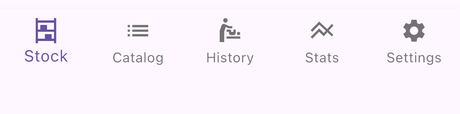
DiapStash is organised around five tabs in the bottom navigation bar: Stock, Catalog, History, Stats and Settings. This section explains how to use the first four; Settings has its own dedicated section.
Stock
The Stock tab is where you keep track of how many diapers you have and where they are stored. It shows one card per diaper type in stock, with a size/quantity button for each size, and a header with per-category counters.
From here you can start a change in one tap on a size/quantity button.
See Stock page overview.
Catalog
The Catalog tab is the community-maintained database of adult diapers. Browse or search for a type, open its page to read its features, sizes and community ratings, create your own custom types, and propose them for the official catalog.
The catalog is also where you add diapers to a stock, adjust a quantity, or move diapers between stocks — every stock entry is opened from its type page.
History
The History tab lists every change you have logged, with its diaper type, condition (wet, soiled, leak) and timing.
Stats
The Stats tab turns your history into figures and graphs: time spent in diapers, number of diapers used, day/night ratio, average cost and more. You can also generate a shareable image of your stats.